
The Short Answer: To order custom screen printed shirts, you need four things: your design file (vector format is ideal), the shirt style and color you want, your quantity (screen printing works best at 24 or more pieces), and your deadline. From there, a print shop handles the screens, ink colors, and production. The whole process from quote to pickup typically takes 7 to 10 business days.
Ready to get started? Request a free quote or call (512) 505-8078.
Ordering custom screen printed shirts for the first time can feel like there are a lot of decisions to make at once. What file format does the printer need? How many colors can you use? What blank shirt should you pick? How far in advance do you need to order?
The process is actually straightforward once you know what to prepare. At The Logo Store, we walk first-time customers through every step at our South Austin shop. Here is what to expect from start to finish so there are no surprises.
Step 1: Get Your Artwork Ready
The single most important thing you can bring to a screen printer is a clean artwork file. Vector files (.AI, .EPS, or .PDF) give the best results because they scale to any size without losing quality. If your logo was professionally designed, your designer should be able to provide a vector version.
If you only have a JPEG or PNG, that can still work as long as the resolution is high enough (300 DPI or higher at the size you want to print). Low-resolution files will look pixelated or blurry on the finished shirt, and no amount of printing skill can fix that.
If you do not have artwork yet, most print shops (including The Logo Store) offer design help. Bring in a sketch, a reference image, or a rough idea and the design team can create a print-ready file for you.
Step 2: Decide How Many Colors Your Design Uses
Screen printing uses a separate screen for each color in your design. A one-color logo needs one screen. A three-color design needs three screens. Each screen adds a small setup cost, which is why screen printing is most cost-effective for designs with 1 to 4 colors.
If your design has more than 4 colors or uses photographic imagery with gradients and shading, DTG (direct to garment) printing may be a better fit. DTG prints unlimited colors with no per-color setup cost, but it works best for smaller quantities. Your print shop can recommend the right method based on your design and order size.
A common first-timer mistake is designing with too many colors and then being surprised by the cost. Keep your screen print designs clean and limited in color count, and you will get the best combination of cost and visual impact.
Step 3: Choose Your Blank Shirt
The blank shirt (the unprinted garment you print on) affects how the finished product looks and feels. Not all blanks are created equal, and the difference between a cheap blank and a quality one is noticeable the moment you put it on.
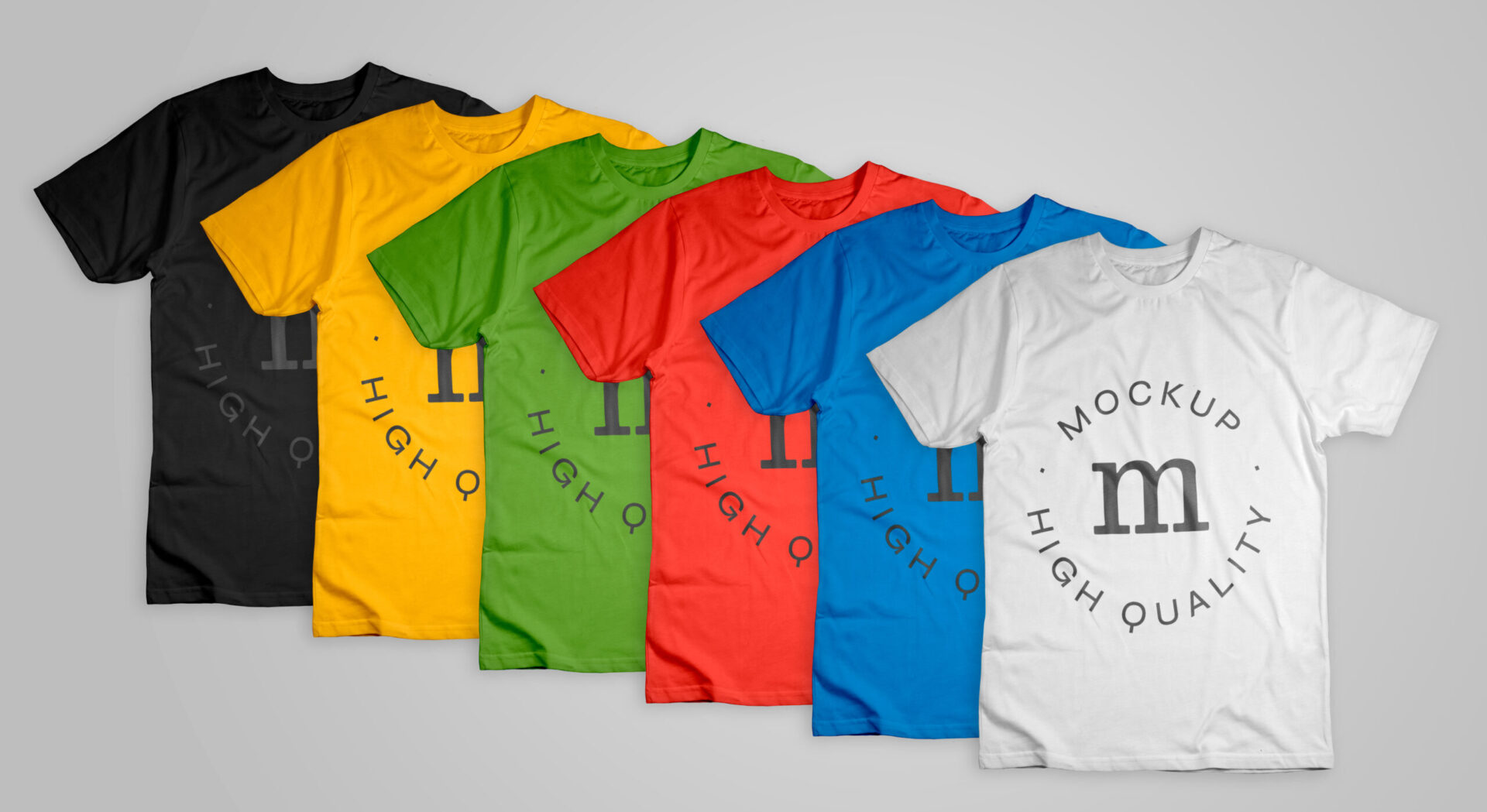
Popular options for screen printing include Bella+Canvas 3001 for a soft, retail-quality feel, Gildan Heavy Cotton for a durable and budget-friendly option, and Next Level for a modern fitted cut. Each brand has dozens of styles across t-shirts, long sleeves, hoodies, and tank tops.
Two things to consider when choosing a blank: fabric weight and shirt color. Heavier fabrics (5 oz and above) hold up better to repeated washing and feel more substantial. Lighter fabrics (4 oz range) feel softer and drape more naturally. For shirt color, darker shirts require a white ink underbase beneath your design colors, which adds one screen to the setup. Lighter shirts allow the ink to print directly without an underbase.
The Logo Store carries 90+ apparel brands. If you are not sure which blank to choose, bring your design and your budget and the team will recommend the best match.
Step 4: Know Your Quantity
Screen printing involves a one-time setup for each color (burning the screen, mixing the ink, aligning the press). That setup cost is the same whether you print 12 shirts or 500. Because of this, the per-shirt cost drops significantly as quantity increases.
For most designs, screen printing becomes the most cost-effective method at 24 pieces or more. Below that threshold, heat press or DTG usually gives you a better per-unit price because there is no screen setup involved.
If you are ordering for a group (a team, a company event, a class), collect sizes before you place the order. A common first-timer issue is guessing at sizes and ending up with too many mediums and not enough XXLs. Take actual size requests from every person who needs a shirt, then add 2 to 3 extra in your most common sizes as a buffer.
Step 5: Request a Quote
Once you have your artwork, shirt preference, color count, and quantity, you are ready to request a quote. A good print shop will ask for all four of these details and get back to you with transparent pricing that includes the per-shirt cost, any setup fees, and the turnaround timeline.
At The Logo Store, quotes are free and typically returned the same day. Request a quote online or call (512) 505-8078 and we will walk you through the pricing based on your specific project.
Step 6: Approve Your Proof
Before anything gets printed, your shop should send you a digital proof showing how your design will look on the shirt. This is your chance to check the placement, sizing, colors, and any text for accuracy.
Review the proof carefully. Make sure names are spelled correctly, colors match your brand, and the design is positioned where you want it (center chest, left chest, full back, sleeve, etc.). Once you approve the proof, the shop burns the screens and starts printing. Changes after screen burning require new screens and additional cost, so take the proof approval seriously.
Step 7: Production and Pickup
After you approve the proof, production begins. Standard turnaround for screen printed shirts at The Logo Store is 7 to 10 business days. Rush orders are available for tighter deadlines.
Because we print in-house at our South Austin shop at 714 Shelby Ln, you can pick up your order locally instead of waiting on shipping. This is especially helpful for event shirts where the deadline is tight and you need the shirts in hand before the day of the event.
Common First-Timer Mistakes to Avoid
- Sending a low-resolution file. If your logo looks blurry on your phone screen when you zoom in, it will look blurry on a shirt. Always send the highest-resolution version you have, and vector is always best.
- Not collecting sizes ahead of time. Guessing leads to leftover inventory in sizes nobody wears. Get real sizes from every person before you order.
- Ordering too close to the event date. Build in at least 2 weeks from when you place the order to when you need the shirts. Rush is available, but planning ahead saves money and stress.
- Choosing the cheapest blank without seeing it first. A $2 shirt that feels scratchy and shrinks after one wash reflects poorly on your brand. Ask to see and feel the blank before you commit.
- Designing with too many colors. More colors means more screens, which means higher cost. Most effective screen printed designs use 1 to 3 colors.
What If You Need Fewer Than 24 Shirts?
If your order is under 24 pieces, screen printing may not be the most cost-effective route. Heat press and DTG both work at any quantity with no setup fees, and they handle full-color designs without per-color charges. The Logo Store offers all three methods in-house, so we can recommend the best option based on your quantity, design, and budget.
For a detailed comparison of each method, check out our screen printing services page which breaks down when screen printing, DTG, and heat press each make the most sense.
Order Your First Custom Screen Printed Shirts in Austin
The Logo Store has printed custom screen printed shirts for Austin businesses, schools, teams, nonprofits, and event organizers since 2016. We handle design help, proofing, production, and local pickup from our South Austin shop with no outsourcing and no third-party shipping delays. Whether this is your first order or your fiftieth, the process is the same: send us your design, approve the proof, and pick up your shirts.
First time ordering screen printed shirts?
The Logo Store makes it simple. Send us your artwork (or your idea), tell us the quantity and deadline, and we handle the rest. No minimum order, free quotes, and free design help to get your file print-ready.
The Logo Store has been Austin’s go-to custom print shop since 2016, serving businesses, sports teams, schools, and event organizers across Central Texas.
Phone: (512) 505-8078 | Request a Quote
Related services: Screen Printing · Custom Shirt Printing · All Print Methods