

Custom Event Shirts & Team Apparel in Austin, TX
Custom Event Shirts, Team Apparel & Business Printing Since 2016
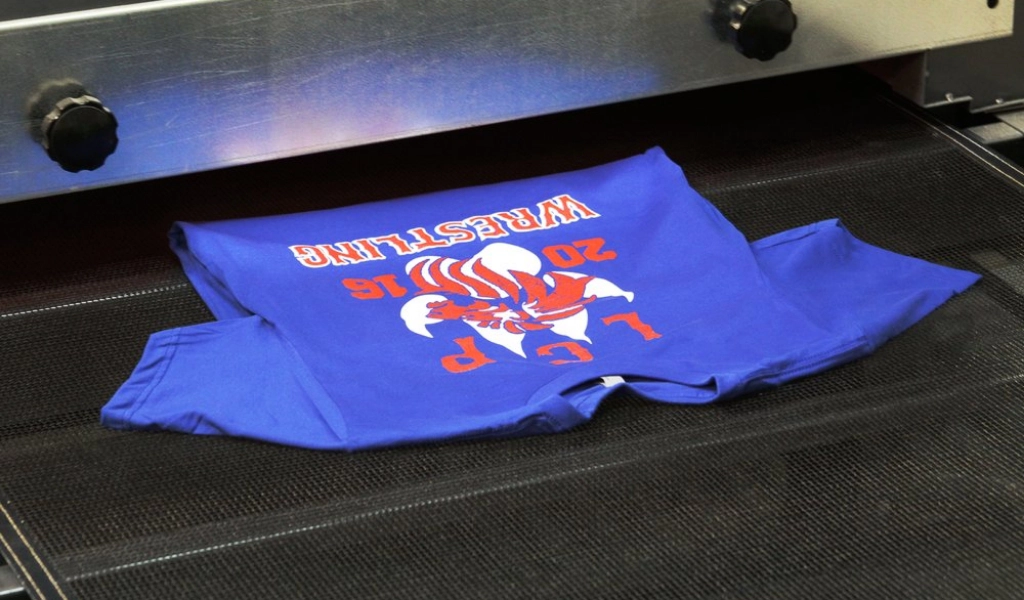
The Logo Store prints affordable custom shirts for Austin businesses, teams, schools, and events. We handle screen printing, heat press, and embroidery in-house at our South Austin shop, with options for orders big and small and tiered bulk pricing that drops the per-shirt cost as quantities grow. Standard turnaround is 10 to 15 business days, and we confirm your exact timeline with your quote.
Custom Shirt Printing Options
Local Custom Shirts for Businesses
The Logo Store has served local businesses, teams, and event organizers with custom shirts since 2016. We print, embroider, and heat-press every order in-house at our South Austin shop, which means no drop-shipping, no third-party quality issues, and no waiting on national shipping. Whether you need a handful of team polos or hundreds of event shirts, production stays under our roof, so you can hold, see, and approve samples before final production begins.
High-Quality Custom Shirt Printing
Finding the right balance between affordability and quality doesn’t have to be a compromise. Our Austin custom shirt printing services deliver professional results at competitive prices, whether your order is big or small. We know budget matters, which is why we offer multiple printing methods at different price points to fit your needs.
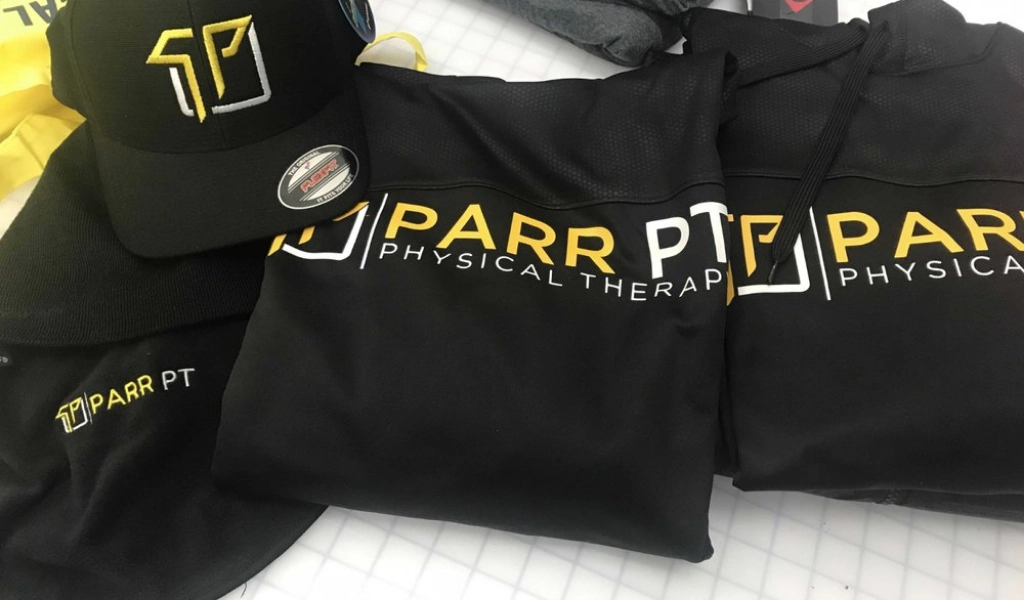
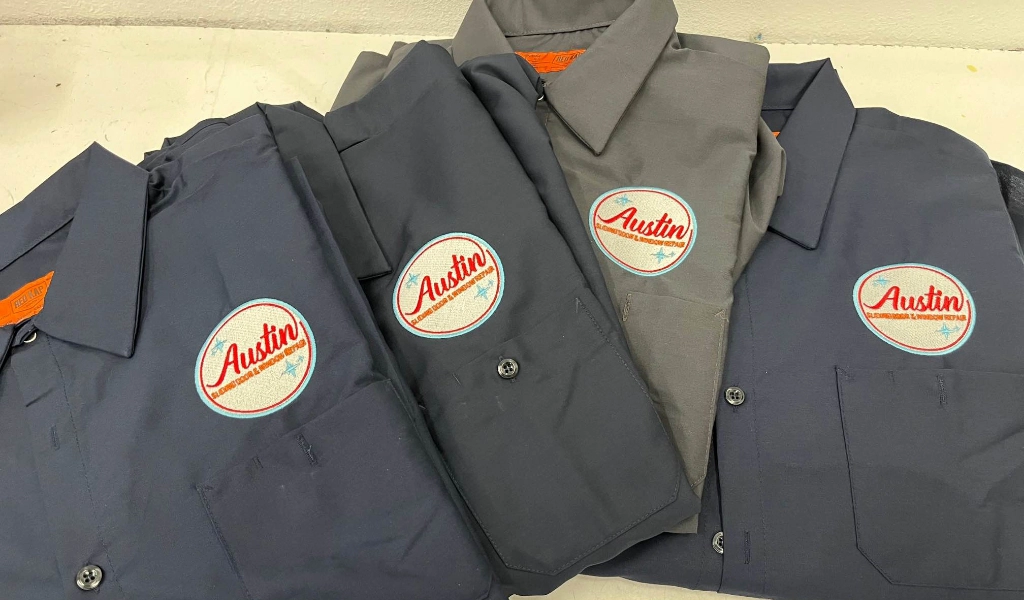
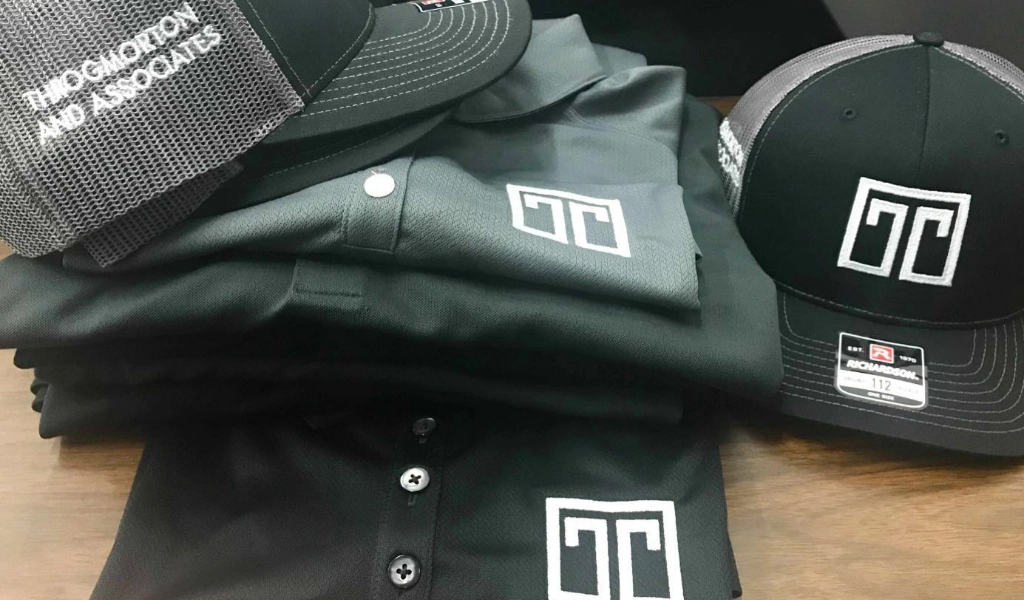
Embroidery gives the most premium look for polo shirts, jackets, and corporate apparel where quality matters most, and it’s a great fit when the budget allows for a higher-end product. Our team looks at your design, quantity, timeline, and budget to recommend the most cost-effective method. Simple text or a logo with few colors? Screen printing is usually the best fit. Need it quickly with moderate quantities? Heat transfer is a good option. Want an upscale corporate look? Go with embroidery. We will never upsell you on methods you don’t need. Our goal is to match you with the right option for your budget.
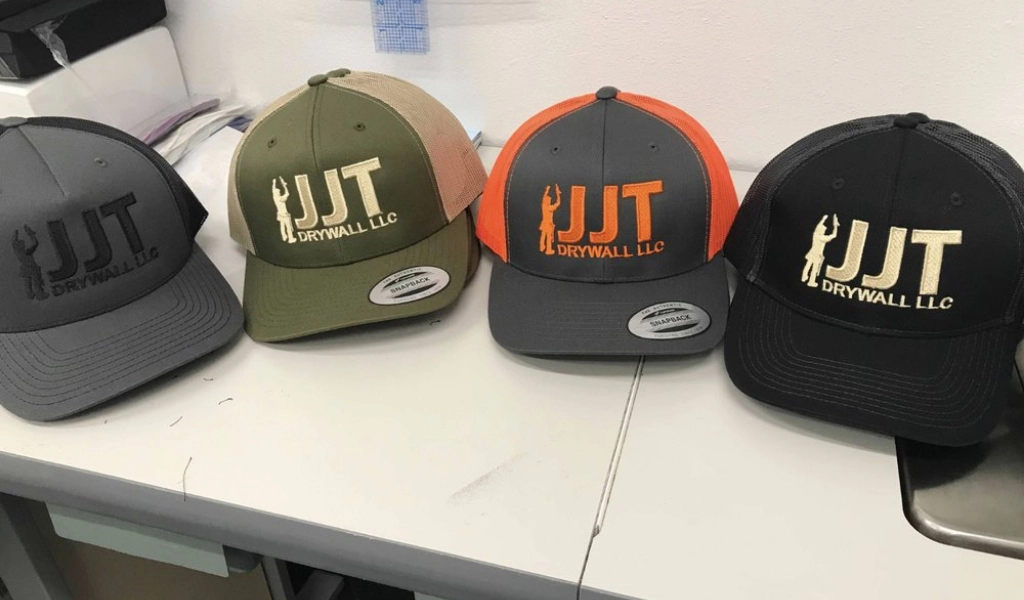
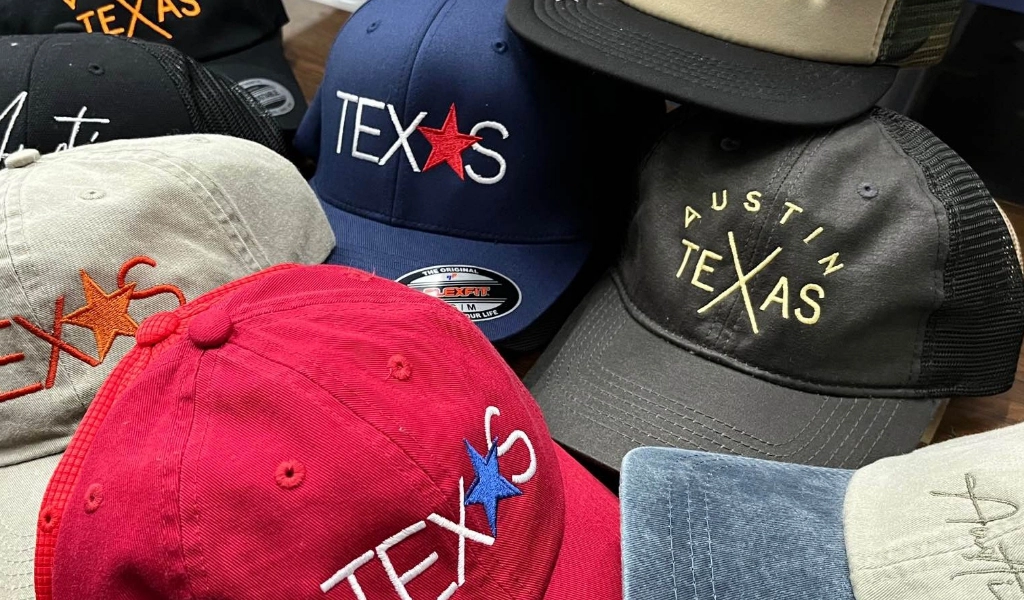
And it’s not just shirts. We also make custom hats, from embroidered baseball caps and snapbacks to beanies and bucket hats, so we can outfit your whole team head to toe.
Custom Event Shirts for Every Occasion
Whether you’re planning an SXSW brand activation, an ACL merch drop, a school fundraiser, a corporate offsite, or a race day giveaway, we print custom event shirts locally and build the timeline around your event date. Our team helps you match the shirt weight and fabric to your event conditions (Texas heat calls for lightweight cotton or tri-blend), handles bulk sizing across the standard S through 2XL curve, and gets your order ready in time. Pick up at our South Austin shop or ask about local delivery.
Durable Custom Shirts & Uniforms
Durable, Professional Apparel Printed Locally in Austin, TX.
Quality Brands for Every Style







Fast Custom Shirt Printing
When you need custom shirts on a deadline, a local print shop makes the process easier. Unlike online printing services that add days for shipping or large national companies with long production queues, we offer true local service and a timeline you can plan around. Standard custom shirt orders are completed in 10 to 15 business days from artwork approval. Our local advantage means no shipping delays, since you can pick up your finished shirts at our shop or we can deliver locally. We understand that events, deadlines, and unexpected needs don’t always allow for long lead times, so ask us about rush options and we will tell you what is doable.
Visit Our South Austin Shop
Want to see your shirts before they go to production? Stop by our shop during business hours to look at samples, feel the fabrics, and talk through your design with the people who will actually print it. Wearing shirts made by a local shop also tells your customers you invest in the community that supports you. Whatever the size of your project, we quote it transparently and stick to the timeline we give you.
Affordable Custom Shirts Without the Compromise
Finding affordable custom shirts your business can budget around does not mean settling for cheap materials or poor prints. The Logo Store offers tiered pricing that drops the per-shirt cost as your order quantity grows, and we work with teams of every size, from small startups to large companies. We stock premium brands like Bella+Canvas and Next Level alongside budget-friendly Gildan and Port Authority options, so you can dial in the price point that matches your project. Free design help is included with every order, and we quote every project with full transparency, breaking out the garment cost from the print cost so you see exactly where your budget goes.
FAQs
Austin Custom Shirt Printing
How much do custom shirts cost in Austin?
Is there a minimum order for custom shirts?
How long does custom shirt printing take?
What file formats do you accept for custom shirt designs?
Can you print custom event shirts on a tight deadline?
What apparel brands do you stock?
Eco-Friendly Printing Options
Environmental responsibility matters to many businesses and individuals, which is why we offer eco-friendly custom shirt printing options. That starts with organic cotton shirts and recycled polyester apparel from environmentally conscious brands. We use water-based inks for screen printing whenever possible. Compared to traditional plastisol inks, they are gentler on the environment and on the people printing your shirts, and they create softer prints that breathe better and feel more comfortable to wear. We also cut waste through careful planning, precise ink mixing to avoid excess, and recycling paper, cardboard, and other materials.