

A vector file is artwork built from math instead of pixels, so it prints crisp and clean at any size, from a small pocket logo to a full back print. Screen printers ask for one because it holds sharp edges and exact colors on every shirt. If a printer said your file is not print-ready, you most likely sent a raster file like a JPEG or PNG.
Sending the right file is the fastest way to get a clean print and skip the back-and-forth. Send the wrong one, and your order can stall while someone redraws your logo. This guide keeps it simple. You will learn what a vector file is, how to tell if you already have one, the formats we accept, and what to do if all you have is a JPEG.
Vector vs. Raster: The Real Difference
Most images on your phone or computer are raster files. A raster file, like a JPEG, PNG, or GIF, is a grid of tiny colored squares called pixels. It looks fine at the size it was made for. Blow it up bigger, and those squares stretch out. The edges go soft and the whole picture looks fuzzy.
Think of it like a photo you zoom in on too far. At some point you just see blocks.
A vector file works in a completely different way. Instead of pixels, it uses math to draw shapes, lines, and curves. Because it is math, you can scale it to any size and it redraws itself perfectly every time. A logo that fits on a pen can blow up to the side of a truck and stay razor sharp. The lines stay clean. The colors stay true.
That is the whole reason screen printing shops ask for vector art. Your design has to land at an exact size on a shirt, hoodie, or tote, and it has to look sharp on the first piece and the five-hundredth.
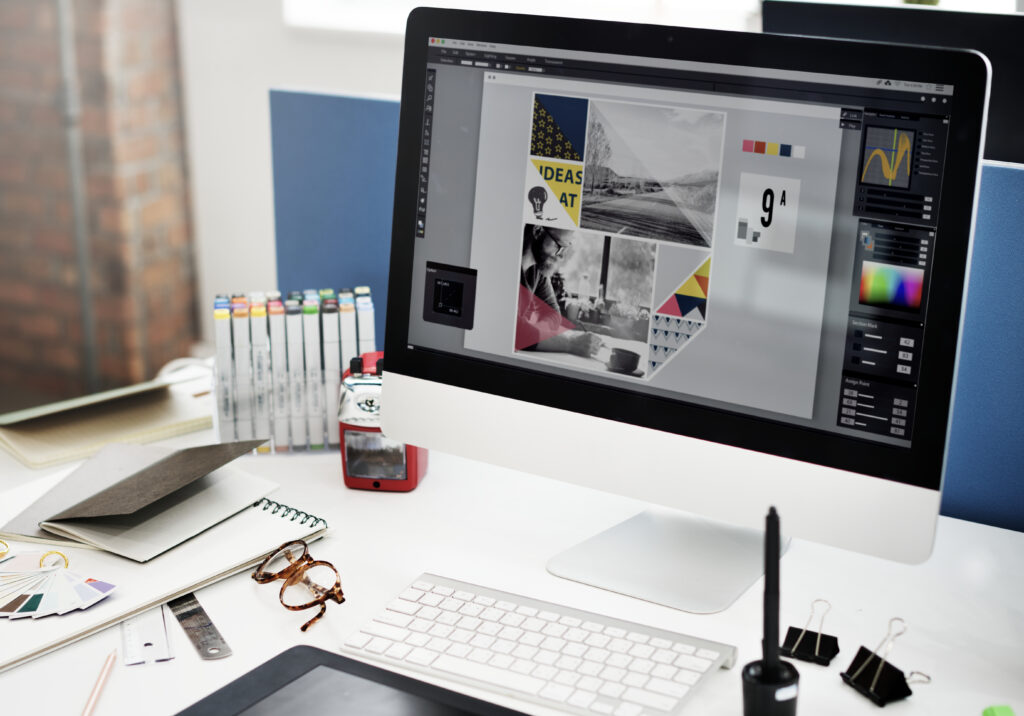
How to Tell If You Already Have a Vector File
You do not need special software to make a good guess.
Start with the file name. Vector files usually end in .AI, .EPS, .SVG, or a print-ready .PDF. If your logo ends in .JPG, .JPEG, .PNG, or .GIF, it is a raster file, not a vector.
Next, zoom in. Open the file and zoom way in on an edge or a letter. A vector stays smooth and sharp no matter how close you get. A raster breaks into little squares or gets blurry.
One common mix-up: a PNG is not a vector, even when it has a see-through background. A transparent background is handy, but the file is still made of pixels. The same goes for a JPEG or a screenshot of your logo.
If you are not sure, that is fine. Send us what you have and our Austin team will tell you exactly what you are working with.
The Vector Formats a Print Shop Wants
Not every file type is a vector. Here are the ones your printer will most likely accept, and when each one makes sense.
- .AI (Adobe Illustrator): the top choice. It is the native Illustrator format, fully editable, and the easiest for a shop to work with. If your designer built your logo, this is the file to ask for.
- .EPS (Encapsulated PostScript): a reliable vector format that opens in most professional design software. A great option if you do not own Illustrator yourself.
- .PDF (Portable Document Format): a PDF can be a true vector when it is saved the right way out of a design program. Many print shops accept print-ready PDFs, so it is worth asking your designer to export one.
- .SVG (Scalable Vector Graphics): built for the web, but plenty of shops take it too. It works well for simple logos, icons, and clean shapes.
If all you have is a JPEG or PNG, you probably do not have a vector yet. Do not worry. That is a common spot to be in, and it is easy to fix.
Why Screen Printers Require Vector Files

There are three big reasons, and they all come down to a clean print.
- Scale with no quality loss. Your logo might print small on a left chest one day and large across a hoodie back the next. A vector handles both from the same file with zero drop in quality. A raster cannot do that without going blurry.
- Clean color separation. Screen printing lays down one color at a time, and each color needs its own screen. A vector splits into crisp color layers that a shop can turn into accurate screens. Raster art has soft, blended edges that make those layers messy and hard to reproduce.
- Exact spot colors. A vector lets your printer lock in specific Pantone colors for every part of your design. That is how your brand blue stays the same blue on this order and the next one, months apart.
What Happens If You Send a Raster File
It helps to know what you are avoiding.
When a shop tries to print from a low-quality raster file, the results show it. Edges come out jagged instead of clean. Small text can turn fuzzy or fill in. Fine lines break up. Solid areas can pick up a speckled, dotted look where the pixels used to be.
There is a cost side too. If your file is not print-ready, most shops need to redraw your logo as a vector before they can print it. That usually means an art fee and a little extra time on your order. Sending clean vector art from the start skips both.
None of this is meant to scare you off. It is just why we ask up front. A good file makes everything after it easier.
What to Do If You Don’t Have a Vector File
This is one of the most common things we hear, so you are in good company. Maybe you have a PNG a designer sent years ago, or a logo you pulled off an old website. Here is how to get to a print-ready file.
- Ask your original designer. Whoever created your logo almost certainly saved the source file. Ask them for the .AI or .EPS version. This is the fastest and cleanest route.
- Have it recreated. If the source file is gone, a designer can redraw your logo as a vector by hand. This is called vectorizing, and it is a normal service. It usually takes a day or two, depending on how detailed your logo is.
- Skip the shortcut. Renaming a .jpg to .ai does not turn it into a vector. Neither do most one-click online converters, which often trace messy edges you would not want on a shirt. A real vector comes from redrawing the art in a program like Adobe Illustrator.
- When a vector truly is not an option. If all you have is a raster file and no way to get a vector, a shop can sometimes still work with it when it is large and high resolution. As a rule, printers want at least 300 DPI at the actual print size. Treat this as a backup plan, not the goal.
Still stuck? Bring it to us. Our team can look at what you have, tell you honestly whether it will print well, and handle the artwork prep if it needs a redraw. You do not have to sort this out on your own. For a deeper look at how vector files work, Adobe’s guide to vector files is a helpful resource.
Vector Files for Embroidery, Heat Press, and More
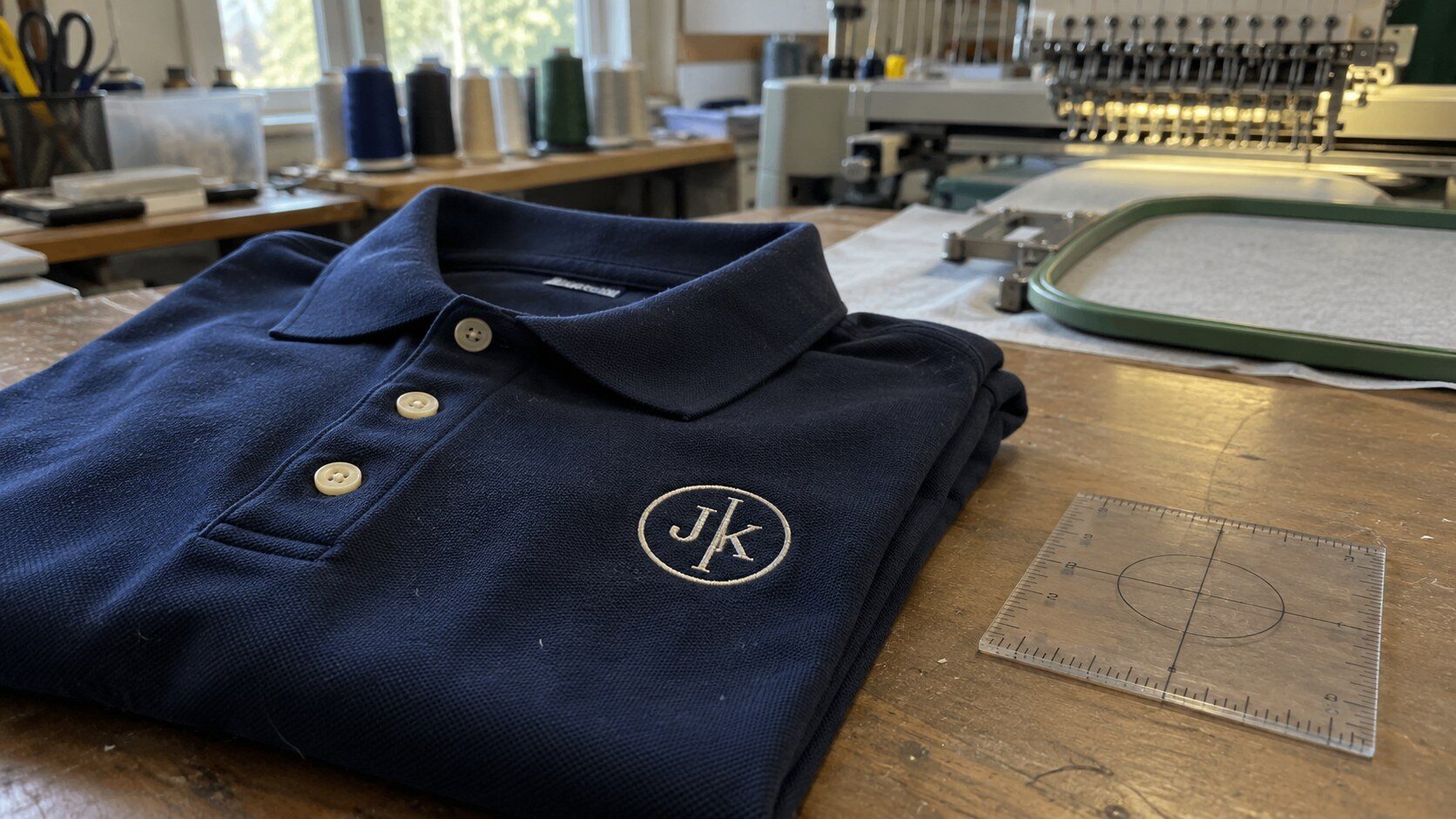
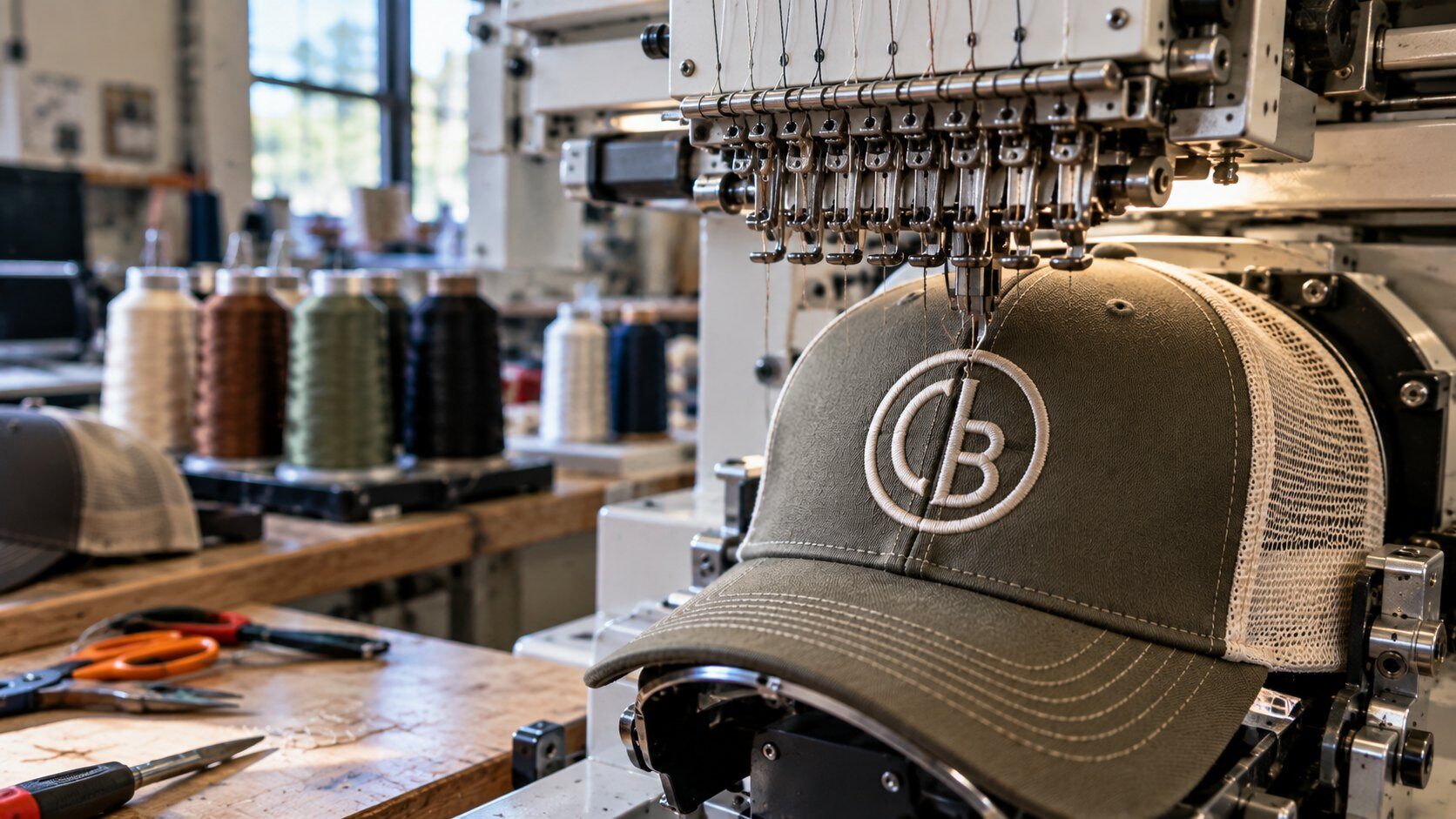
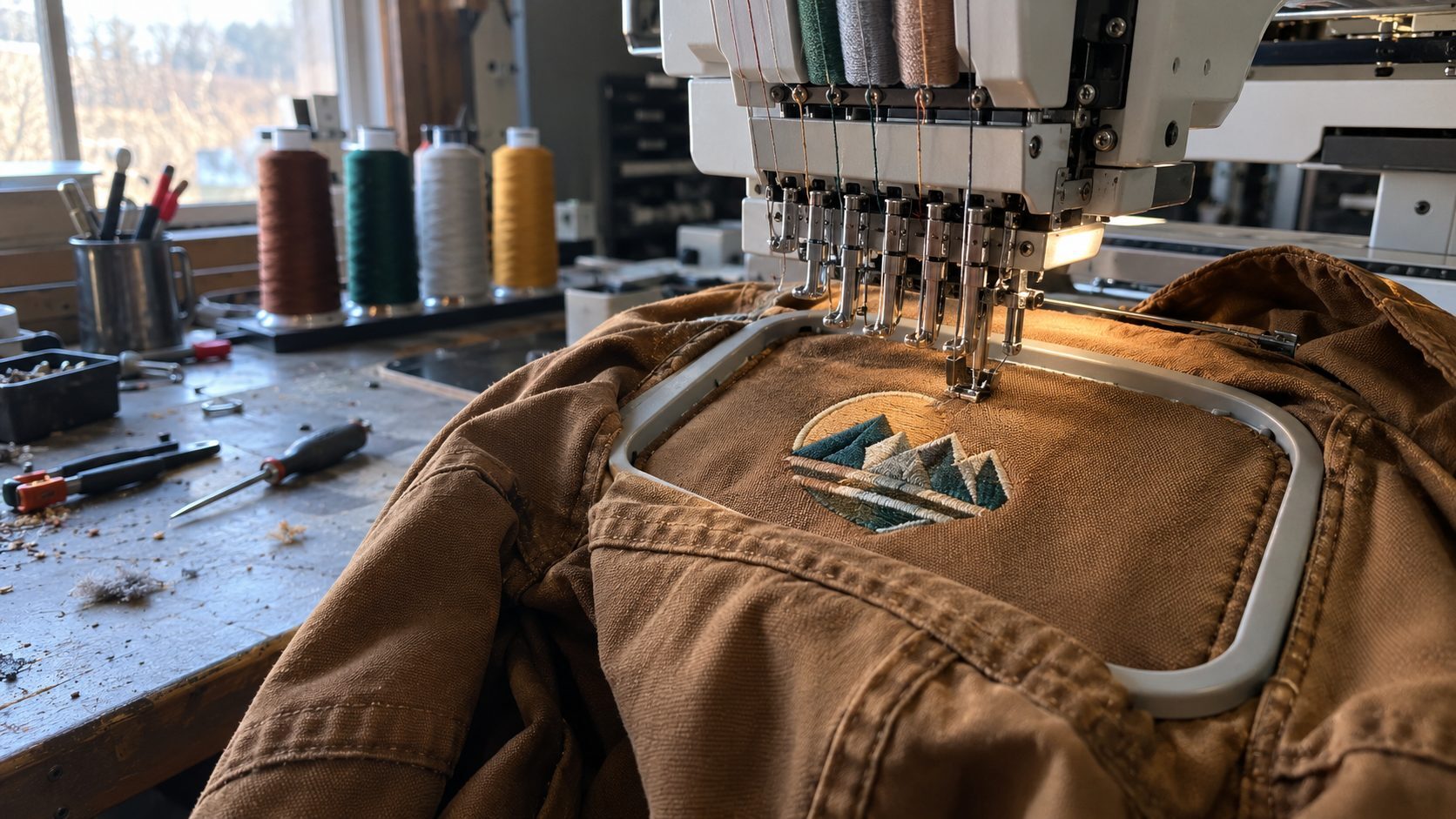
Vector art is not just a screen printing thing. It is also the best starting point for embroidery services and other methods like heat press printing and laser engraving. Each method has its own quirks, and embroidery in particular gets converted into its own stitch file. Even so, a clean vector gives every one of them the strongest foundation. Start with good art, and every product you order comes out looking better.
Ready to Place Your Order?
Now that you know what a vector file is and how to get one, you are ready to print your custom apparel the right way. The Logo Store helps businesses, schools, sports teams, and organizations across Austin and San Antonio with screen printing, embroidery, and more.
Have your vector file ready, or not sure what you have? Contact The Logo Store today and our team will walk you through the artwork side from start to finish.