

Every business wants its logo to look professional and recognizable. But when that logo is placed on a t-shirt, many designs fall short. Fine details disappear, colors lose impact, and what looked great on screen suddenly feels underwhelming. The good news is that designing a logo that looks great on apparel is completely achievable with the right approach.
At The Logo Store, we help businesses across Austin and San Antonio turn logos into clean, bold designs that print beautifully on t-shirts, polos, hoodies, and more. Let’s walk through how to create a logo that works just as hard on fabric as it does online.
Why Logo Design for T-Shirts Is Different
Designing a logo for apparel isn’t the same as designing for digital use. Fabric has texture, movement, and limitations that screens don’t. Ink absorbs into material, stitches add thickness, and tiny details can blur or vanish entirely.
A strong logo design for t-shirts accounts for these factors from the beginning. When your logo is built for print, it stays readable, professional, and consistent no matter the garment color or style.
Start With Simplicity
The best t-shirt logos are easy to recognize at a glance. Simple shapes, clean lines, and bold elements always outperform complicated designs on apparel.
1. Avoid Small Details
Thin lines, tiny text, and intricate textures often don’t translate well onto fabric. If a detail can’t be seen from a few feet away, it likely won’t print cleanly on a shirt.
2. Focus on Strong Shapes
Logos with solid icons, clear typography, and defined spacing tend to print the best. Strong shapes hold up across different printing methods and garment types.
Choose Colors That Print Well
Color choice plays a major role in successful apparel branding. Some colors appear vibrant on screens but lose clarity when printed.
3. Limit Your Color Palette
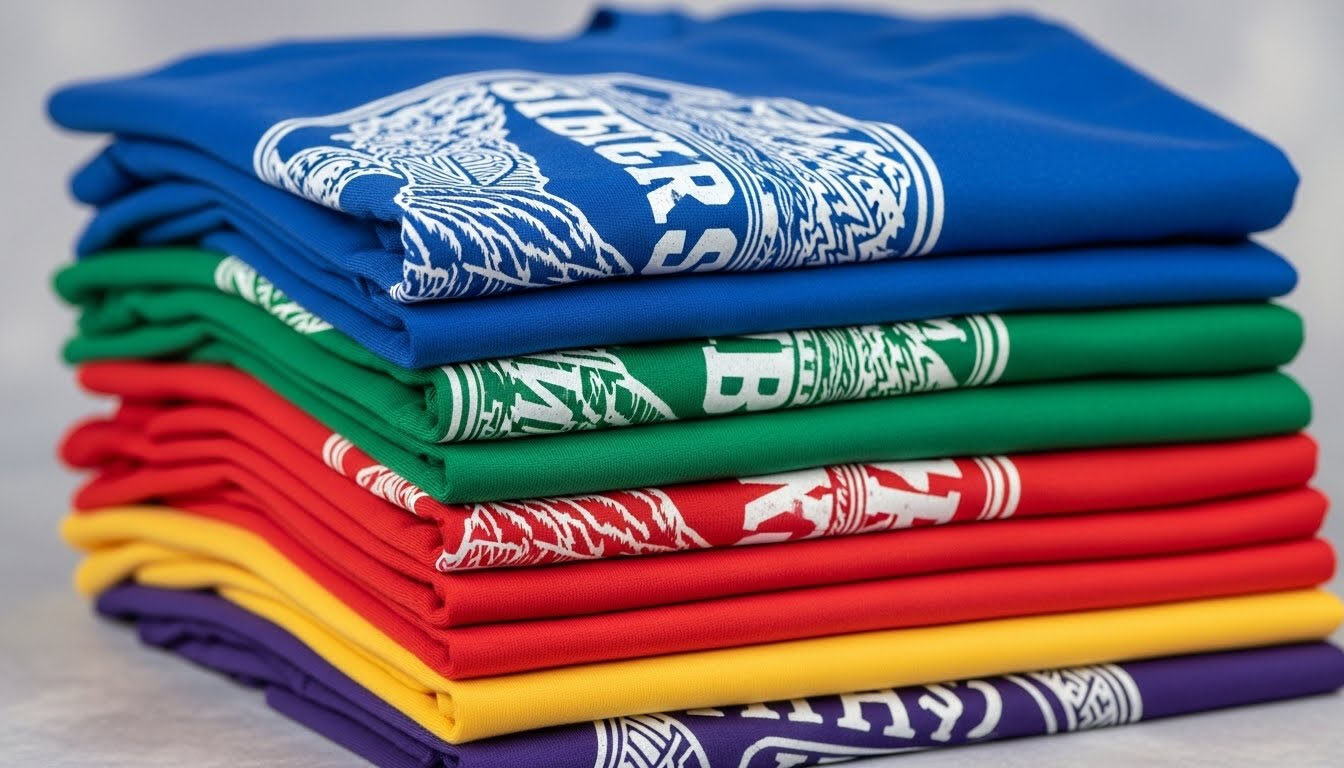
Most t-shirt logos perform best with one to three solid colors. Fewer colors improve clarity and reduce printing issues.
4. Maintain High Contrast
Your logo should stand out clearly against both light and dark shirt colors. High contrast ensures visibility and readability in real-world use.
If you’re planning a bold, durable design, screen printing is often the best option. For smaller runs or detailed designs, heat press printing offers flexibility.
Design With Size and Placement in Mind
A logo must work at multiple sizes and placements to be truly shirt-ready.
5. Make Sure Your Logo Scales Well
Your logo should remain clear whether it’s printed small on a left chest or large across the back. Logos that rely on tiny text or thin strokes often struggle when resized.
6. Plan for Common Shirt Placements
Popular placement options include:
Left chest
Center chest
Full back
Sleeve or collar
Designing with placement in mind prevents awkward sizing or spacing issues during printing.
Use the Right File Format
One of the most common printing problems comes from using low-quality logo files. Raster images can appear pixelated or blurry when enlarged.
7. Always Use Vector Files
Vector formats scale cleanly and maintain sharp edges at any size.
Recommended formats include:
AI
EPS
SVG
High-resolution PDF
If you’re unsure what format you have, The Logo Store can convert or rebuild your logo for apparel printing. For additional insight, Adobe offers a helpful overview on vector file formats.
Match Your Logo to the Printing Method
Different printing methods produce different results. Designing your logo with the final process in mind ensures the best outcome.
Screen Printing
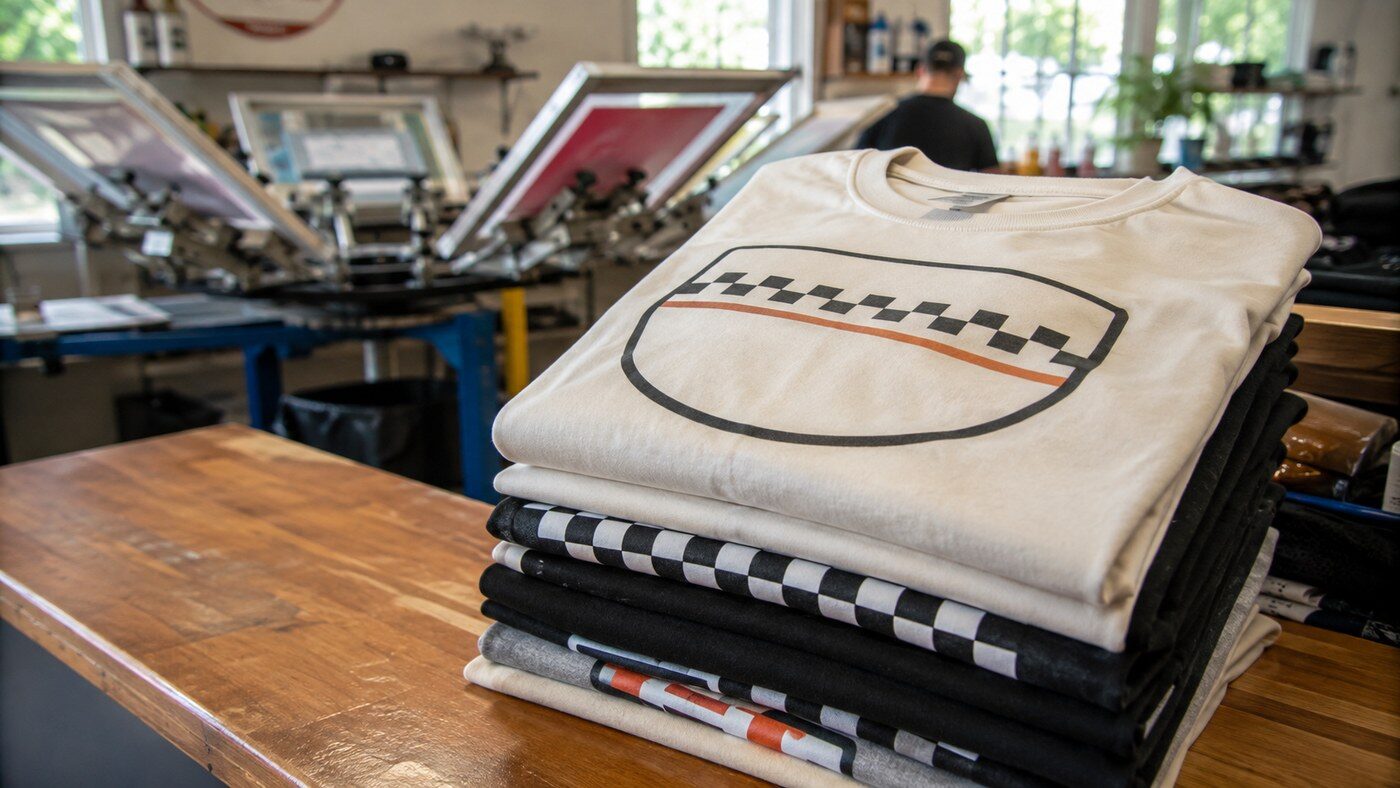
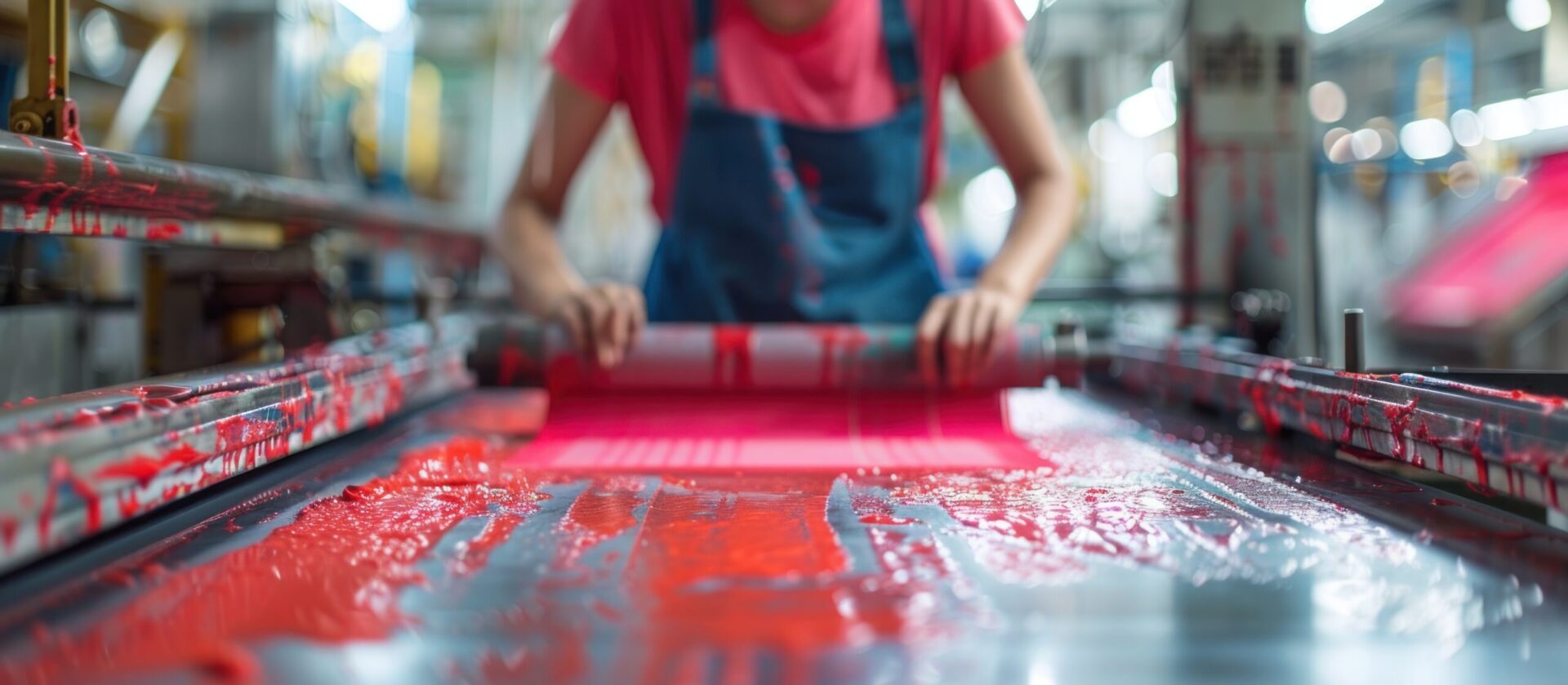
Screen printing produces bold, vibrant designs that last through repeated washing.
Recommended For: Staff shirts, promotional tees, bulk orders
Learn more about screen printing →
Embroidery
Embroidery adds texture and a polished finish but works best with simplified designs.
Recommended For: Polos, hats, uniforms
Explore custom embroidery →
Heat Press & Digital Transfers
Heat press printing allows for detailed graphics and small batches.
Recommended For: Personalized apparel, short runs
See how heat press printing works →
Test Before You Print
Before placing a full order, always review mockups on actual garment colors. What looks great on white may not work on navy, black, or heather fabrics.
At The Logo Store, we provide mockups so you can approve placement, color, and size before production begins.
Why Professional Guidance Matters
A logo that looks great on a t-shirt is the result of smart design and printing experience. Working with professionals helps avoid wasted apparel and disappointing results.
Whether you need custom t-shirts, polos, hoodies, or hats, our team helps ensure your logo is optimized for both appearance and durability.
Explore custom apparel options →
Ready to Design a Logo That Looks Great on a T-Shirt?
If your logo wasn’t originally designed for apparel, that’s okay. Small adjustments can make a big difference in how your brand looks on fabric.
The Logo Store proudly serves Austin, San Antonio, and surrounding Texas communities with expert logo design support and professional custom apparel printing.
If you’re ready to make your logo shirt-ready, we’re here to help.